Setting up your CZ Smart Watch is quick and easy, and it works with Android and iOS phones.
Step 1:
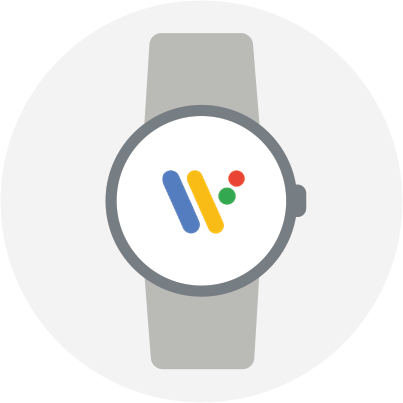
Turn on the watch and phone. Install and open the free Wear OS by Google app on the phone,
open the app and tap Set it up
Step 2:
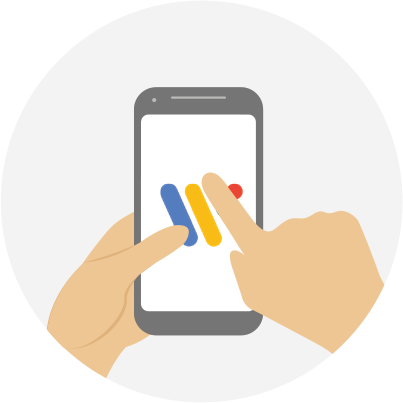
On your phone, tap the name of your watch.
You should now see a code appear on both your phone and your watch.
Step 3:
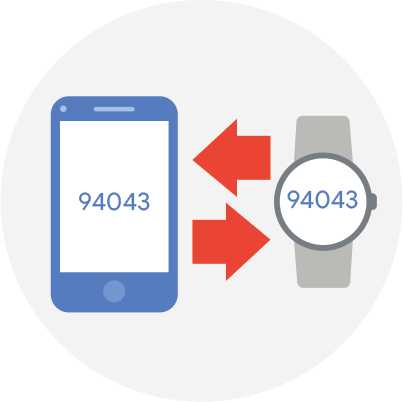
If the codes are the same, tap Pair on your phone.
Pairing can take a few minutes.
Step 4:
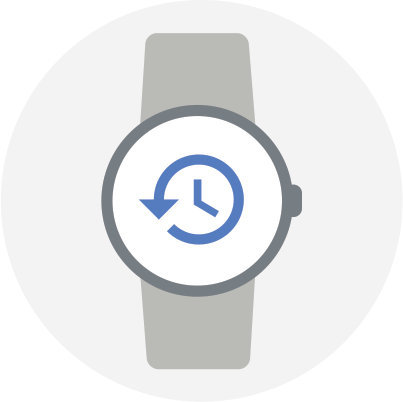
If the codes don’t match, restart your watch and try again.
Step 5:
If the codes still don’t match, try these troubleshooting steps:
1. Check your Bluetooth connection.
2. Restart both devices.
2. Unpair from phone and then attempt to pair again
Step 6:

To finish setting up, follow the onscreen instructions.
Top Tip:
When your phone and watch have connected successfully, you’ll see the Connected label in the Wear OS app. When they’re not, you’ll see Disconnected on your watch’s screen.
https://support.citizenwatch.com/